How to Create an Invoice: A Complete Guide for Small Businesses
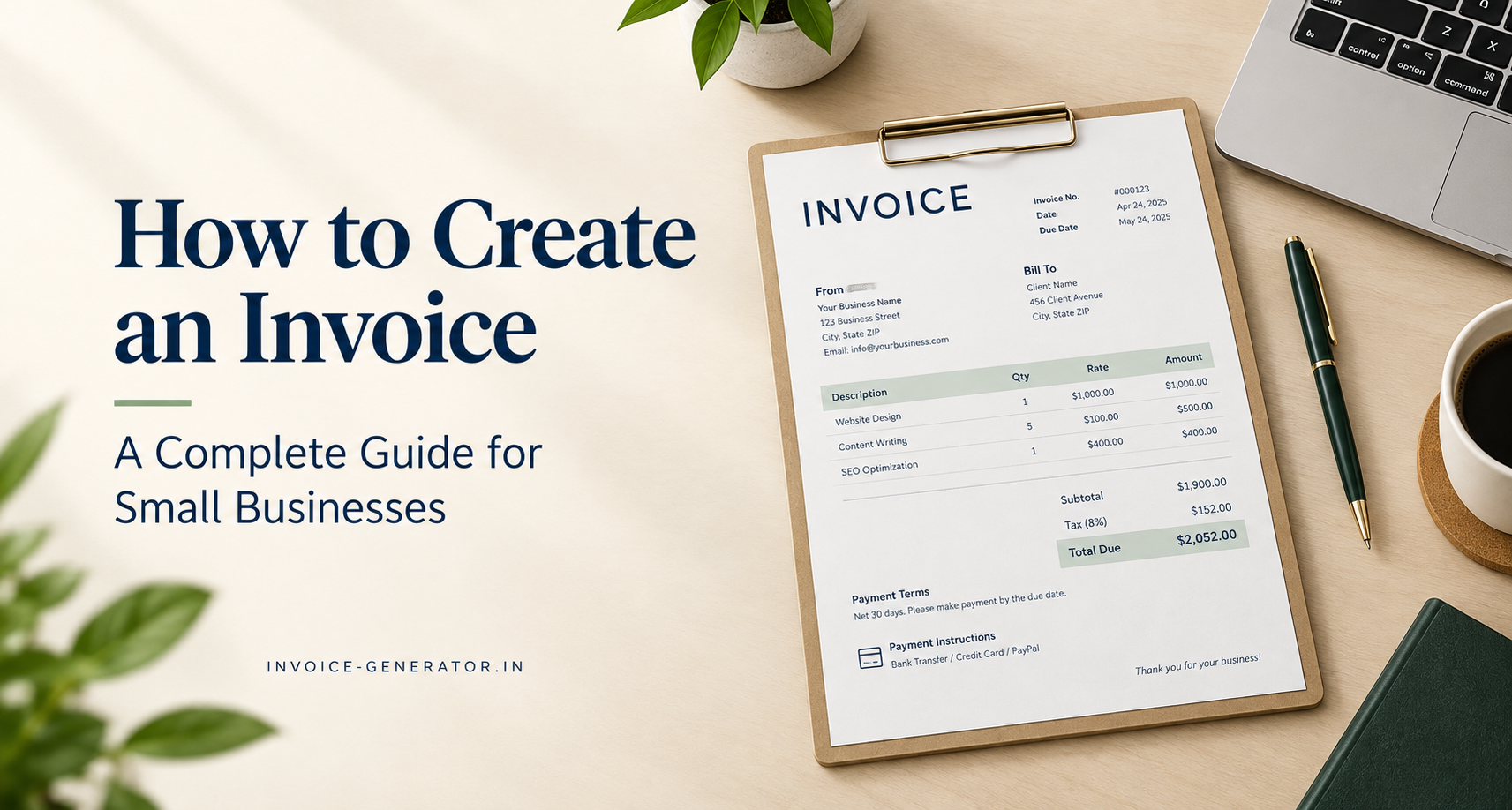
Creating an invoice is an important part of running a small business. It tells your customer what you provided, how much they owe, when payment is due, and how they can pay you.
Whether you are a freelancer, contractor, consultant, or small business owner, you can create a professional invoice in a few simple steps. You do not need complicated accounting software to get started.
In this guide, you will learn how to create an invoice, what information to include, see a ready-to-use invoice template, and understand when a free invoice generator is enough for your business.
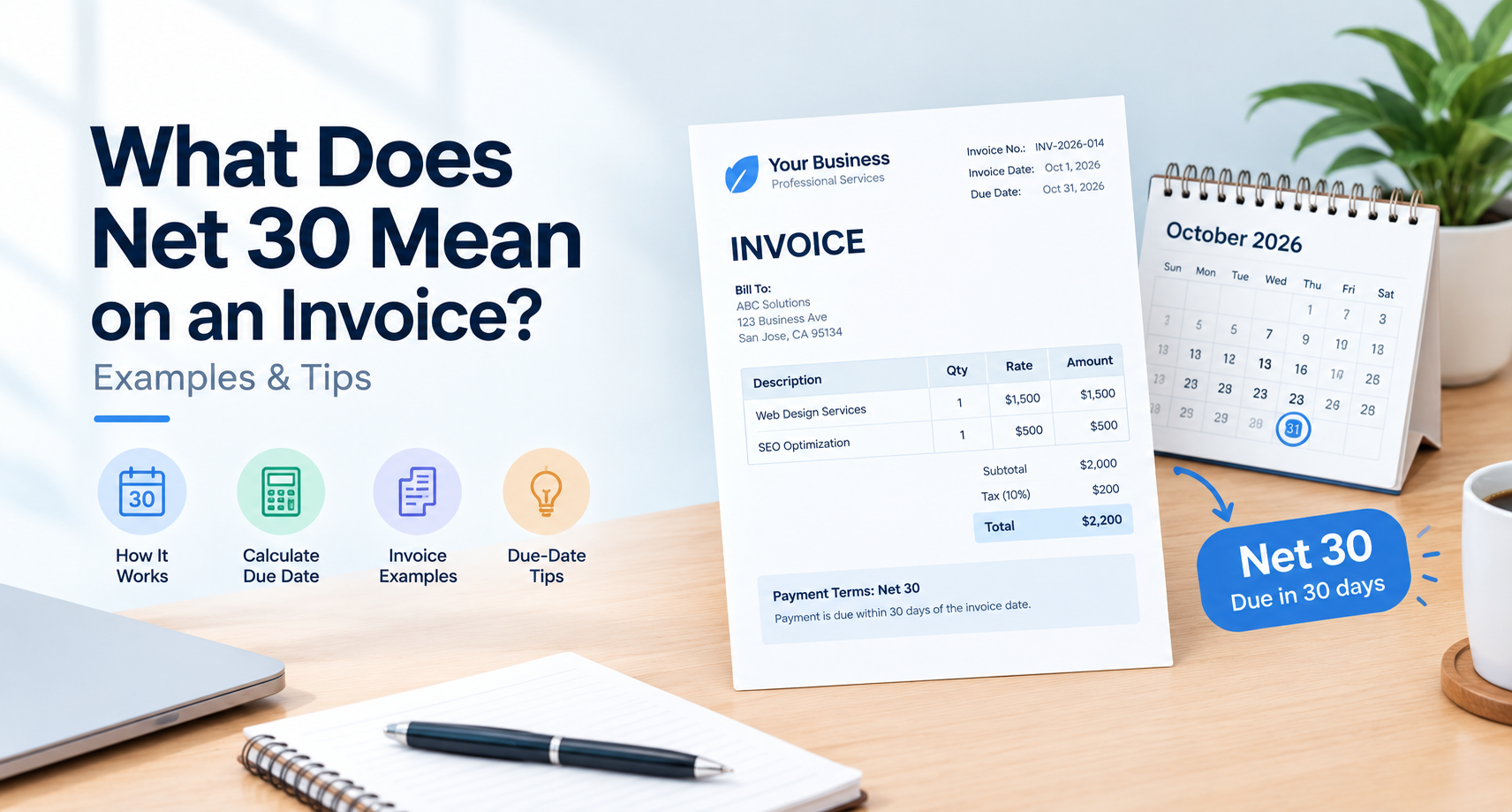
How to Create an Invoice in 6 Simple Steps
To create an invoice for your small business, follow these six steps:
-
Add your business details. Include your business name, address, and contact information.
-
Add your customer's details. Include the customer's name or business name and billing address.
-
Assign an invoice number. Use a unique number to identify and track the invoice.
-
Describe your products or services. List each item, quantity, rate, and amount.
-
Calculate the total. Add the subtotal, applicable taxes, discounts, and any other relevant charges.
-
Add payment terms and send the invoice. Include the due date, accepted payment methods, and any other necessary instructions.
Once you have checked the details, save the invoice as a PDF or use an invoice generator to create and share it with your customer.
What Information Should a Small Business Invoice Include?
A professional invoice should give your customer enough information to understand the charge and make payment without confusion.
Here are the main details to include.
1. Your business information
Start with your business name and contact details. Depending on your business and local requirements, you may also need to include a business address, tax registration number, or other identifying information.
2. Customer information
Add the customer's name or company name and billing address. For business-to-business transactions, check whether the customer requires a specific billing entity or purchase order number.
3. Invoice number and invoice date
Give every invoice a unique identifier. Include the date you issued it and, where applicable, the date the goods or services were supplied.
A simple numbering system might look like this:
-
INV-001
-
INV-002
-
INV-003
You can also use a year-based format, such as INV-2026-001. Choose a consistent system that makes your records easy to maintain.
4. Description of products or services
Describe what you sold or the work you completed. Avoid vague descriptions such as "services" when you can be more specific.
For example:
-
Website design: five-page business website
-
Consulting: four hours of business consulting
-
Plumbing: replacement of a kitchen faucet
-
Products: ten office chairs
Include quantities, hourly rates, unit prices, or other relevant details so the customer can understand how the total was calculated.
5. Subtotal, taxes, and total amount
Show the subtotal before taxes, any applicable discounts, relevant taxes, and the final amount due.
Tax rules depend on your location, business registration, and the type of goods or services supplied. Apply the appropriate tax treatment rather than adding a tax simply because an invoice template has a tax field.
6. Payment terms and due date
Explain when and how the customer should pay. You might specify payment due on receipt or within an agreed period, such as 15 or 30 days.
Also mention accepted payment methods and any agreed deposit or installment arrangements.
For more guidance, read our guide to invoice payment terms.
Small Business Invoice Template
You can use the following basic template as a starting point for your next invoice.
INVOICE
Business Name: Your Business Name
Address: Your Business Address
Email: yourname@example.com
Phone: Your Business Phone
Invoice Number: INV-001
Invoice Date: October 11, 2026
Due Date: October 25, 2026
Bill To:
Customer Name
Customer Business Name
Customer Billing Address
| Description | Quantity | Unit Price | Amount |
|---|---|---|---|
| Consulting services | 2 hours | $75.00 | $150.00 |
| Subtotal | $150.00 | ||
| Applicable tax | $0.00 | ||
| Total Due | $150.00 |
Payment Terms: Payment due within 14 days.
Payment Method: Bank transfer or another agreed payment method.
Notes: Thank you for your business.
This is a basic illustrative template. Replace the sample details with your actual information, agreed prices, applicable taxes, and payment terms. Some transactions require additional information under local invoicing rules.
Example of a Completed Small Business Invoice
Let's say you are a freelance web designer who has completed a small project for a local business.
You agreed to charge $600 for the project, with no additional taxable charges in this illustrative example.
Your invoice could look like this:
From: Bright Web Studio
Bill To: Green Valley Consulting
Invoice Number: INV-2026-014
Invoice Date: October 11, 2026
Due Date: October 25, 2026
| Description | Quantity | Rate | Amount |
|---|---|---|---|
| Website design and setup | 1 project | $500.00 | $500.00 |
| Content formatting | 2 hours | $50.00 | $100.00 |
| Subtotal | $600.00 | ||
| Tax | $0.00 | ||
| Total Due | $600.00 |
Payment terms: Payment due within 14 days.
Payment instructions: Pay using the payment method agreed upon with the customer.
Before sending the invoice, confirm that the descriptions match the work completed, the prices match your agreement, and the due date is correct.
The invoice should make it easy for the customer to understand what they are paying for and what to do next.
How Invoices Differ by Business Type
The basic invoice structure is similar across many businesses, but the details can vary depending on what you sell and how you work.
Invoices for freelancers
Freelancers often invoice for projects, hourly work, or ongoing services.
A freelance invoice should generally include:
-
A clear description of the work completed
-
Hours worked or project-based fees
-
The agreed rate
-
Any applicable expenses or taxes
-
Payment terms and due date
For example, a freelance writer might charge for three articles, while a designer might charge a fixed project fee.
Invoices for contractors
Contractors may need to show labor, materials, equipment, and other agreed charges separately.
A contractor's invoice may include:
-
Project name or reference number
-
Description of completed work
-
Labor and material costs
-
Approved additional work
-
Deposit or milestone payments already received
-
Remaining balance due
For larger projects, ensure the invoice matches the contract, approved work, and agreed billing milestones.
Invoices for product-based businesses
Businesses selling physical products generally need to identify the goods supplied and how the charges were calculated.
Their invoices may include:
-
Product names or item codes
-
Quantities and unit prices
-
Shipping or delivery charges
-
Applicable taxes
-
Discounts
-
Order or purchase order numbers
The right format depends on your business model, the customer's requirements, and the invoicing rules that apply to the transaction.
How to Create an Invoice for Free
If you only need to prepare and send an invoice, you may not need a paid accounting subscription.
An online invoice generator can help you create a professional invoice without building a document from scratch.
Here is a simple process:
-
Open the free invoice generator.
-
Enter your business and customer details.
-
Add the products or services you supplied.
-
Enter quantities, prices, and any applicable taxes.
-
Check the invoice number, invoice date, due date, and total.
-
Generate your invoice and save or share it using the available options.
Always review the finished invoice before sending it to your customer. Confirm that the calculations, tax details, and payment instructions are correct.
A free invoice generator is particularly useful when you need to create occasional invoices quickly without maintaining a complex billing system.
Free Invoice Generator vs. Accounting Software
The best invoicing method depends on the size of your business and the way you manage payments and records.
| Feature | Free invoice generator | Accounting software |
|---|---|---|
| Create individual invoices | Usually suitable | Suitable |
| Simple invoice formatting | Usually suitable | Suitable |
| Track multiple outstanding invoices | May require a separate tracker | Often available |
| Automatic payment reminders | Depends on the tool | Often available |
| Expense and income management | Usually limited | Often available |
| Financial reports and reconciliation | Usually limited | Often available |
| Recurring billing | Depends on the tool | Often available |
When is a free invoice generator enough?
A free invoice generator may be enough if you are a freelancer, consultant, or small business owner who issues invoices occasionally and manages payment records separately.
It is a practical starting point if your main requirement is to prepare professional invoices without paying for a larger software package.
When should you consider accounting software?
Accounting software may be a better fit if your business processes many invoices, manages recurring payments, tracks expenses, reconciles bank transactions, or needs financial reporting.
You may also benefit from accounting software when several team members handle billing and payment follow-ups.
The decision is not simply about business size. Consider the number of transactions, the complexity of your finances, and how much time you spend managing invoices.
Common Invoicing Mistakes to Avoid
Even a simple invoice can cause delays if important details are missing or incorrect.
Watch out for these common mistakes.
Using duplicate invoice numbers
Each invoice should have a unique number. Duplicate numbers can make it difficult to identify transactions and maintain accurate records.
Sending invoices without clear payment terms
If customers do not know when payment is due, misunderstandings can occur. State the agreed due date and payment method clearly.
Writing vague descriptions
A description such as "consulting" may not explain what the customer is being charged for. Add enough detail to connect the charge to the work performed.
Making calculation errors
Check quantities, rates, discounts, taxes, and the final total before sending the invoice.
Forgetting to follow up
Creating an invoice is only one part of the process. You also need to record payments and follow up when an invoice becomes overdue.
For practical guidance, read our article on how to track invoices and payments.
Frequently Asked Questions
How do I create an invoice for my small business?
Start with your business details, customer information, invoice number, invoice date, and a description of the products or services supplied. Add quantities, prices, applicable taxes, the total due, and payment terms. Review the details before sending it.
Can I create an invoice without accounting software?
Yes. You can create an invoice using a document template, spreadsheet, or online invoice generator. Accounting software becomes more useful when you need integrated payment tracking, expense management, reconciliation, or financial reports.
Can I create an invoice for free?
Yes. Free invoice generators and document templates can help you prepare invoices without purchasing accounting software. Check the tool's features and limitations before using it for your business.
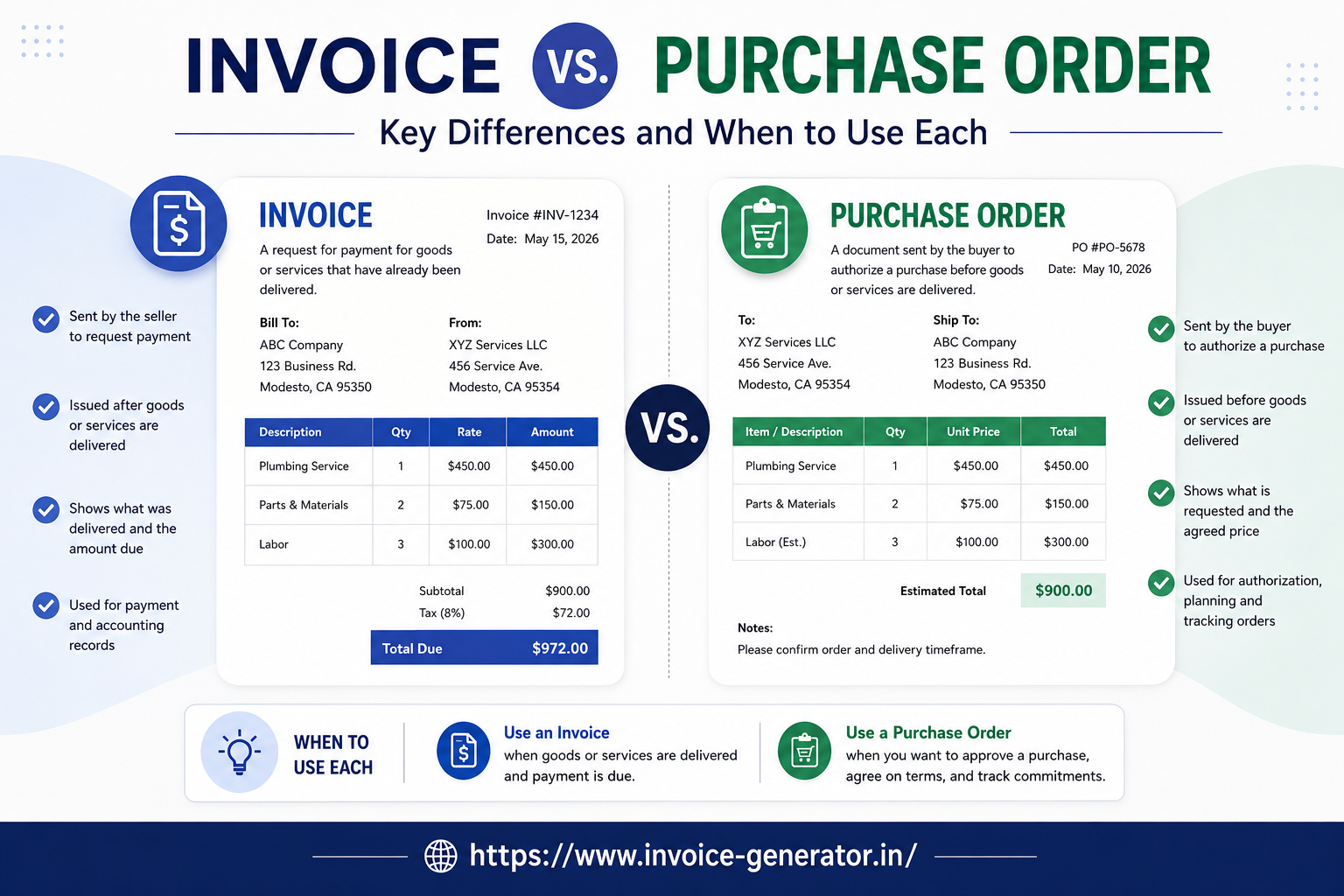
What is the difference between an invoice and a receipt?
An invoice requests payment for goods or services. A receipt generally confirms that payment has been received. Depending on the transaction, you may issue an invoice first and a receipt after payment.
Do I need to charge tax on every invoice?
No. Whether you must charge tax depends on your location, registration status, the goods or services supplied, and the applicable tax rules. Confirm the requirements for your business before issuing invoices.
When should I send an invoice?
Send an invoice according to your agreement with the customer. Depending on the arrangement, this may be when an order is fulfilled, a project milestone is completed, or services are delivered. Include the agreed payment deadline.
How can I make my invoice look professional?
Use a clear layout, consistent formatting, accurate calculations, readable descriptions, and complete payment instructions. A professional invoice should make the amount due and the next steps easy to understand.
Create Your Next Invoice in Minutes
You do not need a complicated billing system to create a professional invoice. Start with accurate business and customer details, describe your work clearly, calculate the total, and set out the agreed payment terms.
If you need a quick way to prepare an invoice, try the free invoice generator. It can help you create an invoice without starting from a blank document or signing up for a full accounting platform.
As your business grows, review your invoicing process regularly so you can keep accurate records, follow up on payments, and spend less time managing paperwork.
Ready to send your next invoice?
Free, no sign-up, print-ready PDF in under a minute.