Invoice
How to Track Invoices and Payments: A Simple System for Small Businesses
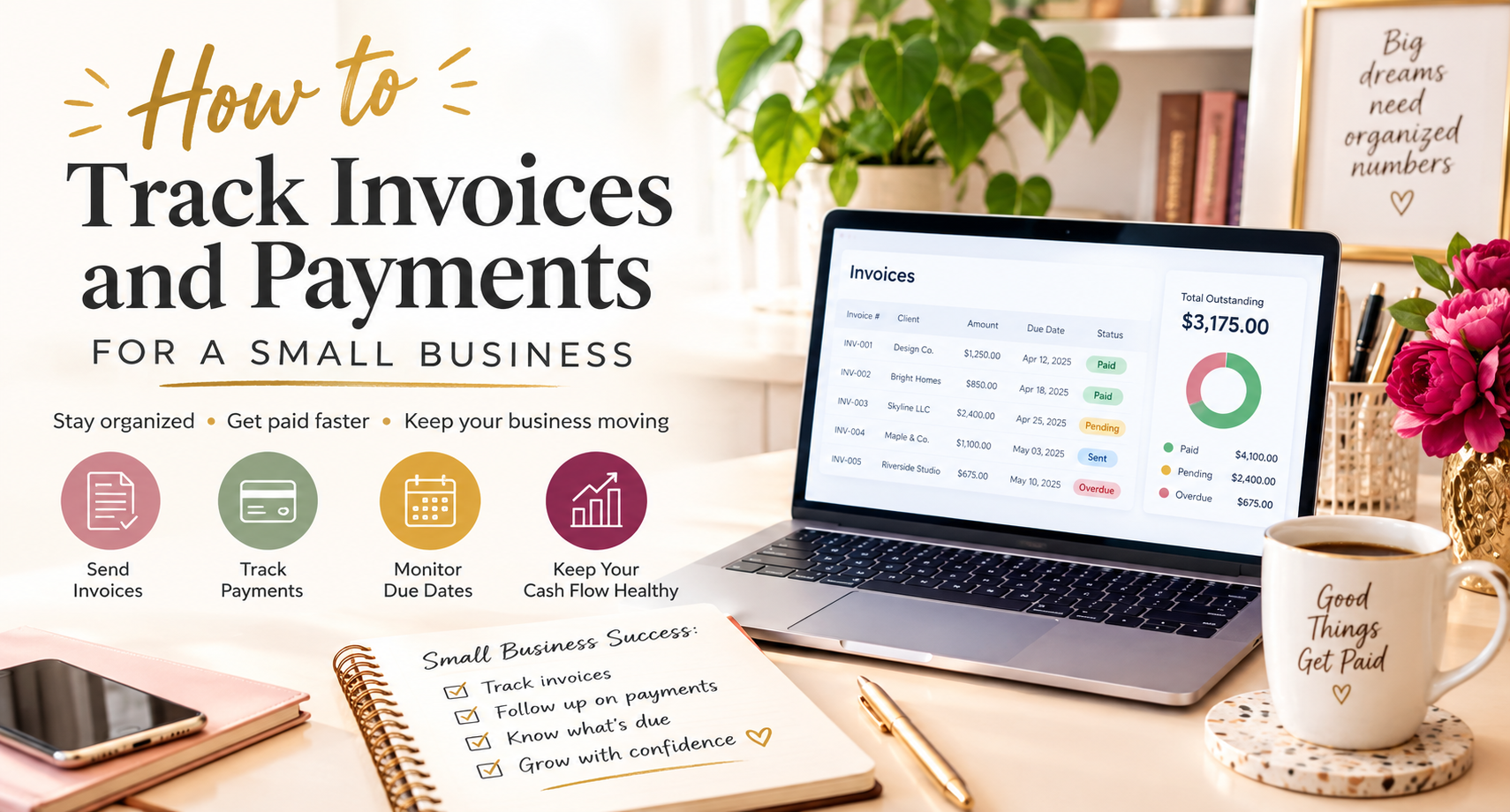
Sending an invoice is only the beginning.
Once you have several customers, it can become difficult to remember which invoices have been paid, which are still outstanding, and which are already overdue. A missed follow-up can turn a simple invoice into a cash-flow problem.
The good news is that you do not need a complicated accounting system to stay organized. A simple invoice tracking process can help you see what is due, when payment is expected, and which customers need a reminder.
In this guide, you will learn how to track invoices and payments, what information to record, how to track unpaid invoices, and how to create a simple system that works for a small business.
What Is Invoice Tracking?
Invoice tracking is the process of recording invoices, monitoring their payment status, checking due dates, and following up on outstanding amounts.
A basic invoice tracking system should tell you:
- Which invoices you have sent
- Who owes you money
- How much each customer owes
- When each invoice was issued
- When payment is due
- Whether the invoice has been paid
- Which invoices are overdue
- When you last contacted the customer
- When you expect payment
The goal is simple: you should be able to look at your records and immediately understand your outstanding payments.
How Do You Track Invoices and Payments?
The easiest way to track invoices and payments is to maintain a central record for every invoice.
You can use a spreadsheet, invoicing software, accounting software, or another system that lets you record invoice details and update payment status.
At a minimum, track these fields:
| Information | What to Record |
|---|---|
| Invoice number | A unique invoice reference |
| Customer | Customer or business name |
| Invoice date | Date the invoice was issued |
| Due date | Date payment is expected |
| Invoice amount | Total amount billed |
| Amount paid | Amount already received |
| Balance due | Remaining amount |
| Payment status | Paid, unpaid, partially paid, or overdue |
| Payment date | Date payment was received |
| Last follow-up | Date you last contacted the customer |
| Notes | Important payment or customer details |
This gives you a simple view of your accounts receivable without needing to search through old emails or invoices.
Why Is Invoice Tracking Important for Small Businesses?
Invoice tracking helps you maintain control over your cash flow.
Without a tracking system, it is easy to forget an invoice after sending it. You might not notice that an invoice is overdue until weeks later.
A tracking system helps you:
- Identify unpaid invoices quickly
- Follow up before invoices become seriously overdue
- Know how much money is outstanding
- Avoid sending duplicate reminders
- Keep customer payment records organized
- Prepare for accounting and tax reporting
- Understand your expected cash flow
- Reduce the chance of missed payments
For a small business, even a few unpaid invoices can make a difference. Tracking them consistently helps you stay proactive instead of waiting until there is a cash-flow problem.
What Should an Invoice Tracker Include?
A useful invoice tracker does not need dozens of columns.
Start with the information that helps you answer three questions:
What is owed? When is it due? Has it been paid?
A simple tracker can include:
- Invoice number
- Customer name
- Invoice date
- Due date
- Invoice amount
- Payment status
- Amount paid
- Remaining balance
- Payment date
- Follow-up date
- Notes
You can add other fields as your business grows, but avoid making the system unnecessarily complicated.
The best tracking system is one you will actually update.
How to Track Unpaid Invoices
To track unpaid invoices, start by separating invoices according to their payment status.
A simple system can use four categories:
1. Unpaid
The invoice has been sent, but the customer has not paid yet.
If the due date has not passed, this is usually a normal outstanding invoice.
2. Due Soon
The payment deadline is approaching.
This is a good time to make sure the customer has received the invoice and knows when payment is due.
3. Overdue
The due date has passed and payment has not been received.
These invoices should move into your follow-up process.
4. Paid
The customer has paid the invoice in full.
Record the payment date and update the balance to zero.
You can also add a Partially Paid status when a customer has paid only part of the invoice.
This simple structure makes it easier to see which invoices need attention.
How to Know Which Invoices Are Overdue
An invoice is generally overdue when its due date has passed and the full payment has not been received.
For example:
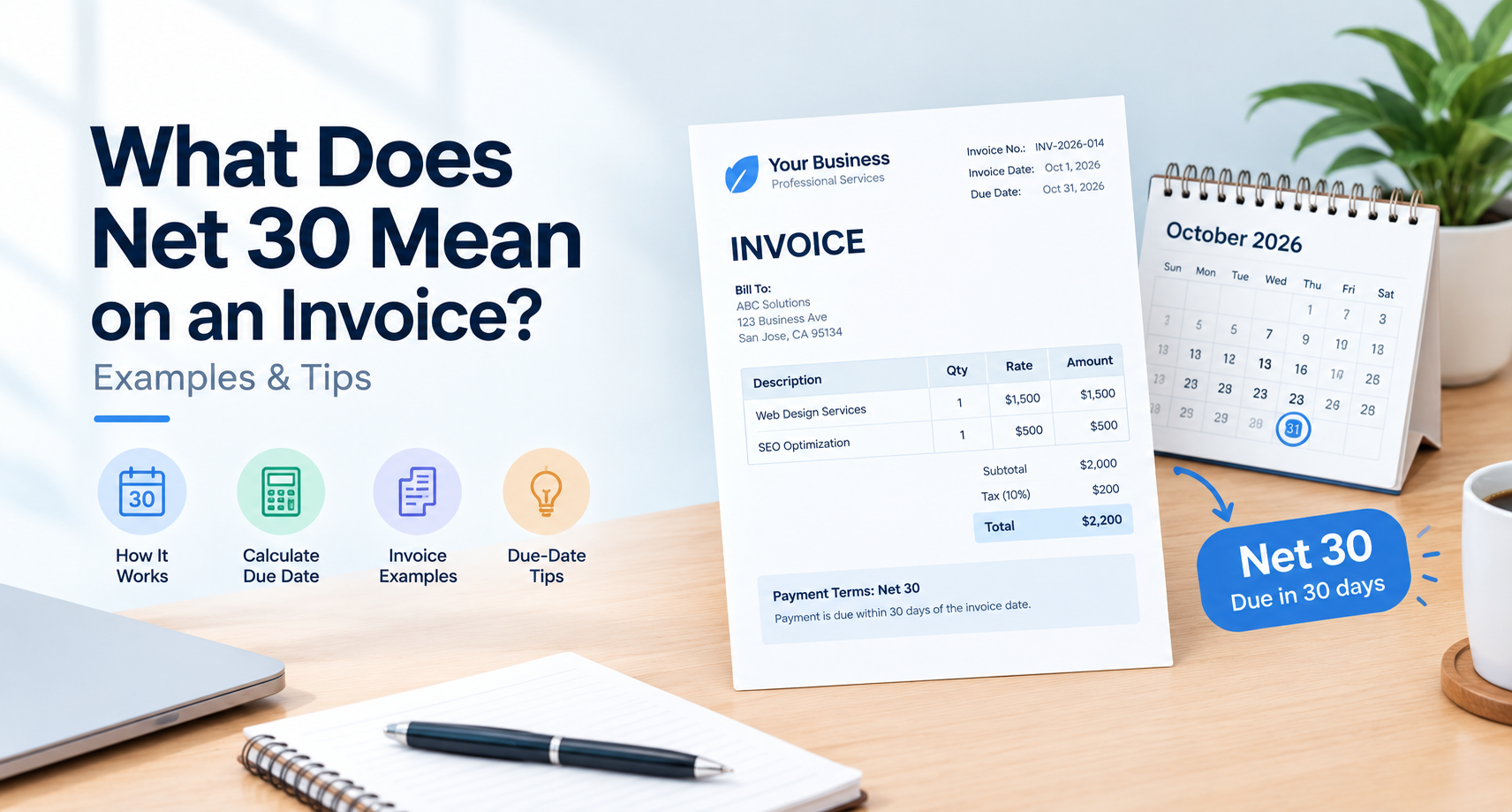
- Invoice date: October 1
- Payment terms: Net 30
- Due date: October 31
- Payment received: No
If October 31 has passed without payment, the invoice should be marked as overdue.
Your tracker can also show how long an invoice has been outstanding.
For example:
| Invoice | Amount | Due Date | Status |
|---|---|---|---|
| INV-1001 | $500 | Oct 10 | Paid |
| INV-1002 | $850 | Oct 20 | Due Soon |
| INV-1003 | $1,200 | Oct 25 | Overdue |
| INV-1004 | $650 | Nov 5 | Unpaid |
This makes it much easier to decide which customers require follow-up.
Use Payment Terms to Make Tracking Easier
Invoice tracking works better when your payment terms are clear.
For example, if you use Net 30, the customer knows that payment is expected within 30 days according to the agreed terms.
Other common terms include:
- Due on receipt
- Net 7
- Net 15
- Net 30
- Net 45
- Net 60
Your invoice should clearly show the payment due date whenever possible.
For more information about payment terms, see Invoice Payment Terms Explained: Net 15, Net 30, Due on Receipt & More.
Clear payment terms give you a specific date to use when tracking outstanding invoices and sending reminders.
Should You Use a Spreadsheet or Invoicing Software?
Both can work.
The right choice depends on how many invoices you send and how complex your business is.
Spreadsheet
A spreadsheet can be enough if you:
- Send a small number of invoices each month
- Have relatively few customers
- Handle payments manually
- Want a simple and inexpensive system
You can create columns for invoice number, customer, amount, due date, status, and payment date.
Invoicing Software
Invoicing software can be more useful when you have:
- Many customers
- A large number of invoices
- Recurring invoices
- Multiple payment methods
- Regular payment reminders
- Multiple people handling billing
Some invoicing systems can automatically update payment status, send reminders, and provide reports.
The important thing is not which tool you choose. It is whether your system gives you a reliable view of your outstanding invoices.
How Often Should You Update Your Invoice Tracker?
Update your invoice tracker whenever something important happens.
For example:
- When you create an invoice
- When you send an invoice
- When a customer confirms receipt
- When you receive a payment
- When a payment is partially received
- When an invoice becomes overdue
- When you send a payment reminder
For a small business, reviewing the tracker at least once or twice a week can help prevent invoices from being forgotten.
If you have a large number of invoices, you may want to review outstanding payments every business day.
Create a Simple Invoice Tracking Process
You do not need a complicated workflow.
A simple process can look like this:
Step 1: Create the invoice
Give every invoice a unique invoice number.
If you need help with the basics, start with How to Create an Invoice: A Complete Guide for Small Businesses.
Step 2: Record the invoice
Immediately add the invoice to your tracking system.
Record the customer, amount, invoice date, and due date.
Step 3: Send the invoice
Send the invoice to the correct billing contact.
Record the date it was sent.
For best practices on emailing invoices, see How to Send an Invoice by Email With a Professional Email Template.
Step 4: Monitor the due date
Keep an eye on upcoming payment deadlines.
Do not wait until you have dozens of overdue invoices before reviewing your tracker.
Step 5: Record payments
When a customer pays, update the invoice immediately.
Record:
- Payment date
- Amount paid
- Remaining balance
- Payment method, if useful
Step 6: Follow up on overdue invoices
If the due date has passed, contact the customer according to your normal payment reminder process.
For more guidance, see How to Follow Up on an Unpaid Invoice Without Losing the Customer.
Step 7: Close paid invoices
Once the full balance has been received, mark the invoice as paid.
This keeps your outstanding invoice list accurate.
A Simple Weekly Invoice Review
Set aside a few minutes each week to review your invoices.
Start by checking:
1. What was paid this week?
Update all paid invoices.
2. What is due this week?
Identify invoices that are approaching their due date.
3. What is overdue?
Separate overdue invoices from invoices that are still within their payment terms.
4. Who needs a reminder?
Check your follow-up schedule and contact the appropriate customers.
5. How much is outstanding?
Calculate the total amount you are still waiting to receive.
This small weekly habit can prevent your invoice list from becoming difficult to manage.
How to Track Invoice Payment Status
Use clear payment statuses rather than relying on memory.
A useful system is:
- Draft: Invoice has not been sent
- Sent: Invoice has been sent to the customer
- Viewed: Customer has received or viewed it, if your system supports this
- Unpaid: Payment has not been received
- Due Soon: Payment deadline is approaching
- Overdue: Payment deadline has passed
- Partially Paid: Some payment has been received
- Paid: Full payment has been received
- Cancelled: Invoice is no longer payable
You do not need every status. Choose the ones that match your business.
What If a Customer Pays Only Part of an Invoice?
Do not mark the invoice as paid if there is still a balance.
For example:
- Original invoice: $2,000
- Payment received: $1,000
- Remaining balance: $1,000
The invoice should remain Partially Paid until the full amount is received.
Recording partial payments correctly prevents confusion and helps you identify exactly how much money is still outstanding.
How Invoice Tracking Helps Prevent Late Payments
Invoice tracking does more than organize your records.
It can also help you identify problems before they become bigger issues.
For example, your tracker may show that several customers regularly pay late. You can then review your payment terms, invoice delivery process, payment options, and reminder schedule.
You may also discover that invoices are being sent to the wrong contact or that customers are unclear about how to pay.
The earlier you identify these patterns, the easier it is to improve your process.
Common Invoice Tracking Mistakes
Avoid these common problems:
Tracking invoices in multiple places
If some invoices are in a spreadsheet, others are in email, and others are in accounting software, it becomes difficult to know which record is correct.
Try to maintain one central source of truth.
Forgetting to record payments
A customer may have paid, but if the payment is not recorded, the invoice can appear overdue.
Update your tracker as soon as payment is received.
Not tracking due dates
An invoice number and amount are not enough.
The due date should be easy to find.
Waiting too long to follow up
If an invoice becomes overdue, do not let it sit unnoticed for weeks.
Follow your normal reminder process.
Making the tracker too complicated
A tracking system with too many fields can become difficult to maintain.
Start simple and add information only when it provides value.
Frequently Asked Questions
What is the easiest way to track invoices and payments?
A spreadsheet is often enough for a small business with a limited number of invoices. Record the invoice number, customer, amount, invoice date, due date, payment status, and payment date.
How do small businesses track unpaid invoices?
Small businesses can track unpaid invoices using a spreadsheet or invoicing software. Separate unpaid, due-soon, overdue, partially paid, and paid invoices so it is easy to identify which payments require attention.
How do I track outstanding invoices?
Keep a central list of all invoices that have not been paid in full. Include the customer, invoice amount, due date, amount paid, remaining balance, and payment status.
How do I know if an invoice is overdue?
Compare the invoice's due date with the current date. If the due date has passed and the full payment has not been received, the invoice is overdue.
Should I use Excel or invoicing software to track invoices?
Either can work. A spreadsheet may be suitable for a small number of invoices, while invoicing software can be useful when you have more customers, recurring invoices, payment reminders, or multiple people managing billing.
How often should I check unpaid invoices?
Review outstanding invoices at least once or twice a week. Businesses with a higher volume of invoices may benefit from checking payment status every business day.
What should an invoice tracker include?
At minimum, track the invoice number, customer, invoice date, due date, amount, payment status, amount paid, remaining balance, payment date, and follow-up date.
Can invoice tracking help improve cash flow?
Yes. Tracking helps you identify outstanding and overdue invoices so you can follow up promptly and maintain a clearer picture of money you expect to receive.
Final Thoughts
You do not need a complicated accounting system to track invoices effectively.
Start with one central record and make sure every invoice has a number, customer, amount, due date, and payment status. Update the record whenever you send an invoice, receive a payment, or follow up with a customer.
The key is consistency.
When you always know what is outstanding, when it is due, and what needs attention next, managing invoices becomes much easier and your business has a better view of its incoming cash.
Ready to send your next invoice?
Free, no sign-up, print-ready PDF in under a minute.